
YouTube Block
The YouTube Video block allows you to easily insert responsive YouTube videos into your page just by pasting the URL into a text input. Embedding videos into your pages and posts is very easy – and offers a great way to plump up your content. This documentation will cover:
- How to add a YouTube video to a page
- What the different options are
How to Add a YouTube Block to a Page
You can add a YouTube video to a website or blog by adding a block to an existing page.
- Click the + icon in the top left corner to add a new content block.
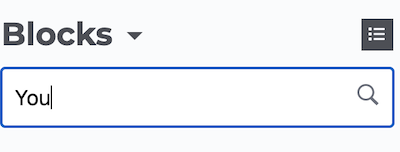
- Search for the YouTube block
- Click and drag the YouTube Video icon to where you want it on the page.
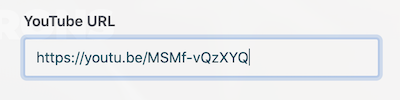
- Paste the YouTube URL
- Apply any refinements available in the report, such as filter controls, size.
- Click Add
Results
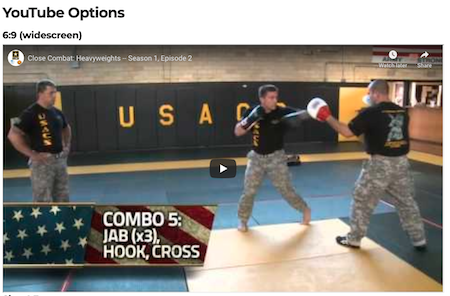
Your YouTube file will be displayed.
Troubleshooting
If you need special assistance or have not received a prompt response after filing a Help desk ticket, please contact one of our team members listed below.
Contact the web team:
Submit a support ticket here https://army.deps.mil/army/cmds/imcom_G9/
G9/Divisions/Lists/mkt_helpdesk/all-tickets.aspx