Changing The Hero Image and Hero Text on Enterprise Web 2.0
In order to change this home image on a garrison:

1.) Click the gear icon and go to “Attributes”
2.) Choose “Header Image”
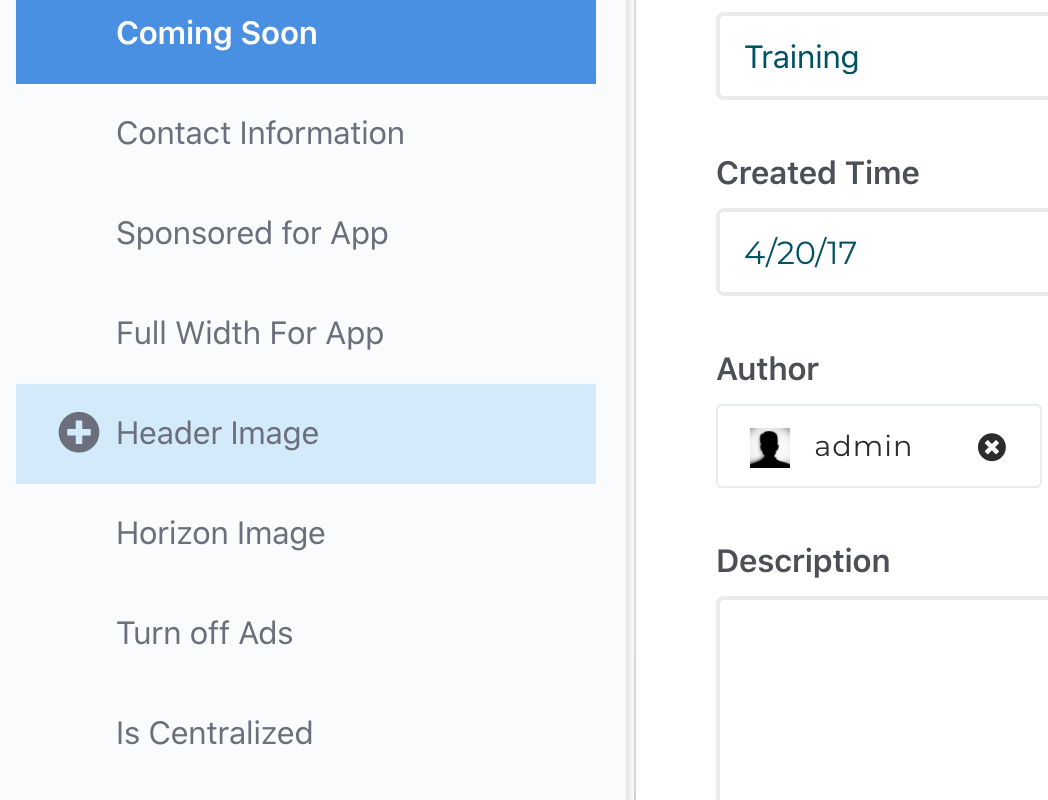
3.) Pick your hero image and set it and save the page.
4.) The hero image will be changed.
5.) To change the hero text, choose the “Hero Home Title” and enter text, and save the page.

6.) The hero background image and text will be updated: